Sources
Connected accounts and the items Area O1 tracks. Connectors only read.
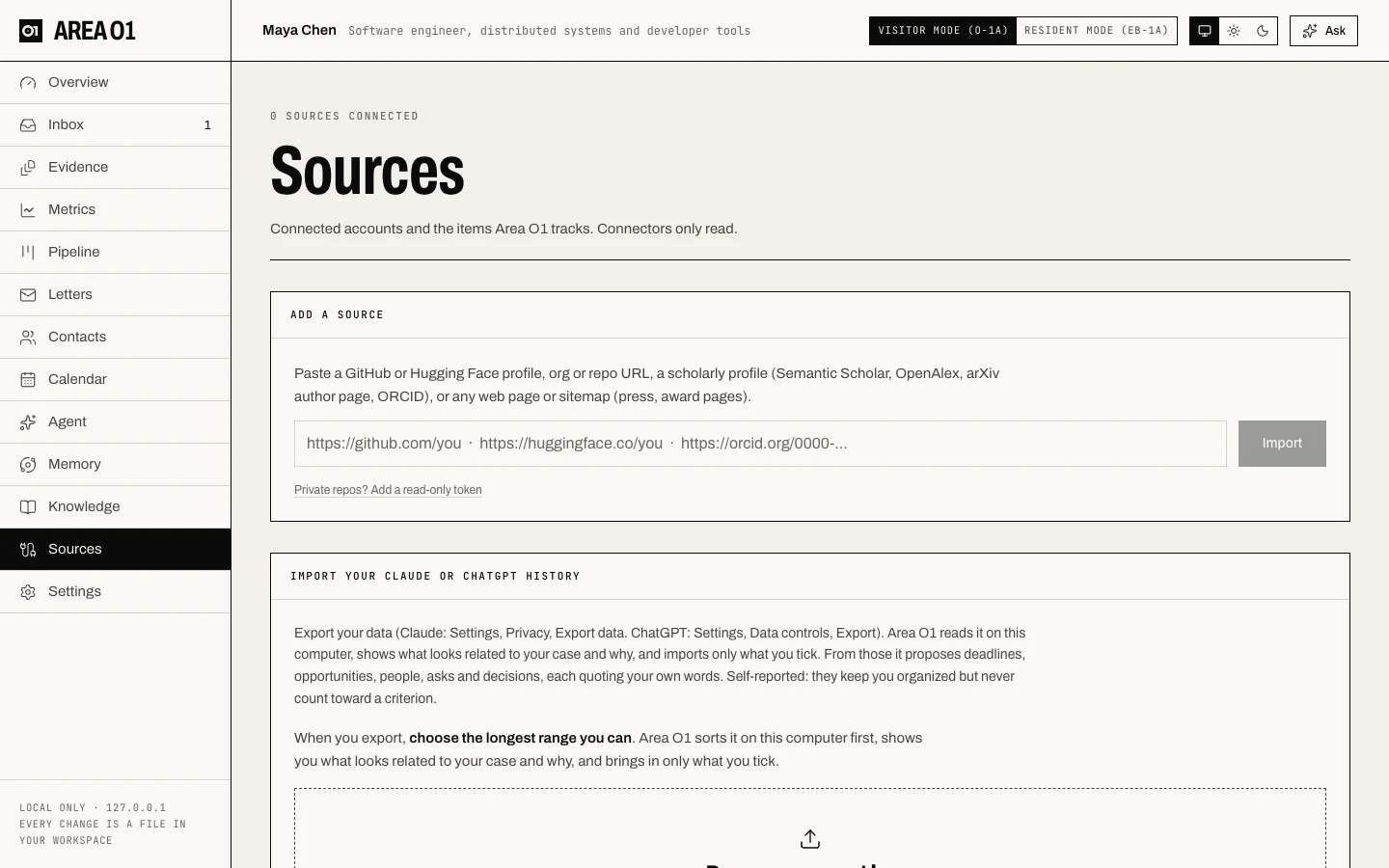
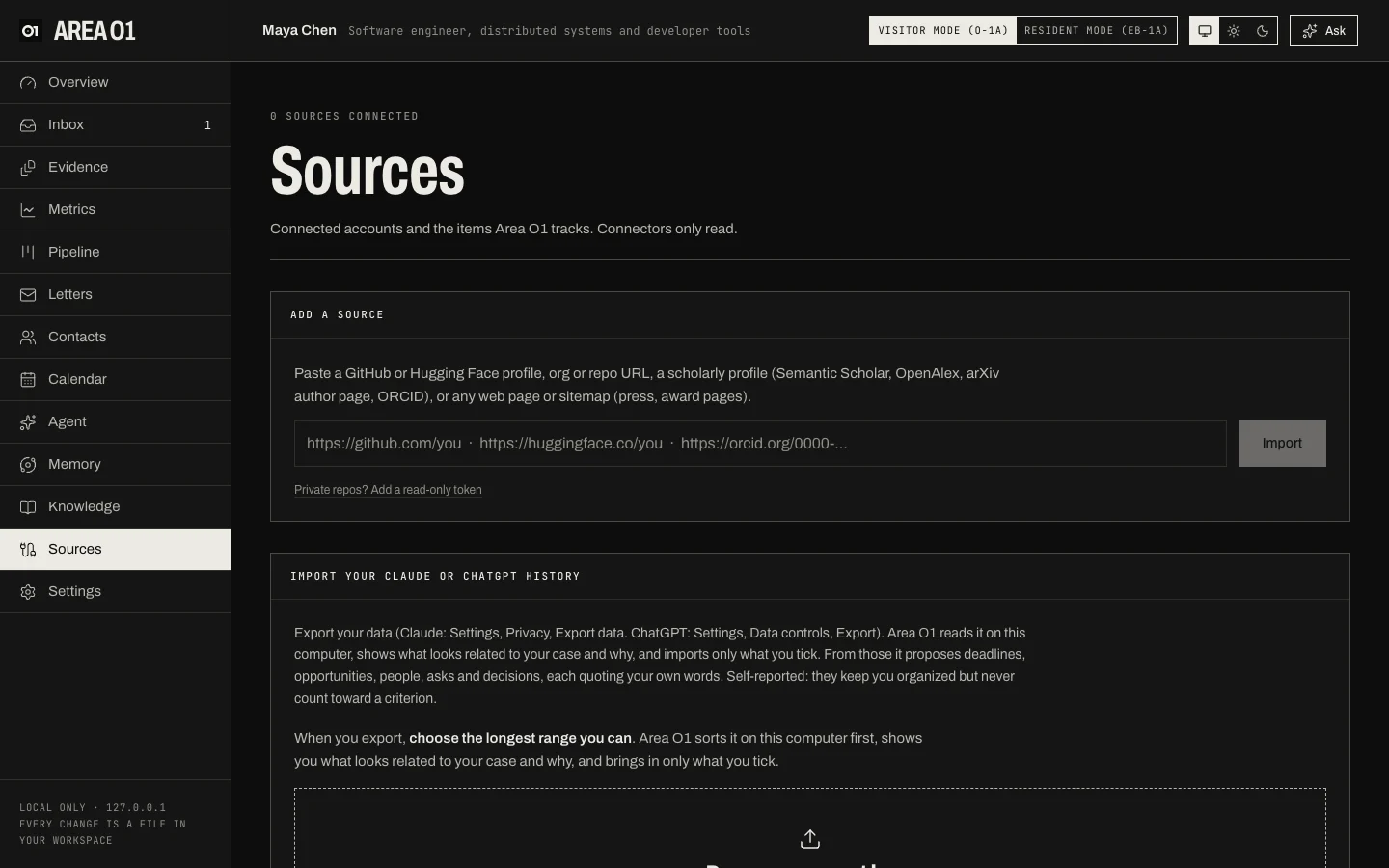
Add a source
Paste a GitHub or Hugging Face profile, org or repo URL, a scholarly profile (Semantic Scholar, OpenAlex, an arXiv author page, ORCID), or any web page or sitemap (press, award pages), then press Import. Area O1 works out which connector to use. For private repos, Private repos? Add a read-only token.
Each source then lists the items it discovered (repos, models, papers, pages). New findings go to your
Inbox, and numbers go to Metrics. The daily sync job refreshes every source.
The same from the command line: areao1 import <url>.
Import your Claude or ChatGPT history
Export your data from Claude or ChatGPT and drop the file here. Area O1 reads it on your computer, shows what looks related to your case and why, and brings in only what you tick: deadlines, opportunities, people, asks and decisions, each quoting your own words. These are self-reported: they keep your trackers current but never count toward a criterion.
More: Connectors, Chat-history imports.