Evidence
Your accepted exhibits, criterion by criterion, and what each criterion still needs.
What's on it
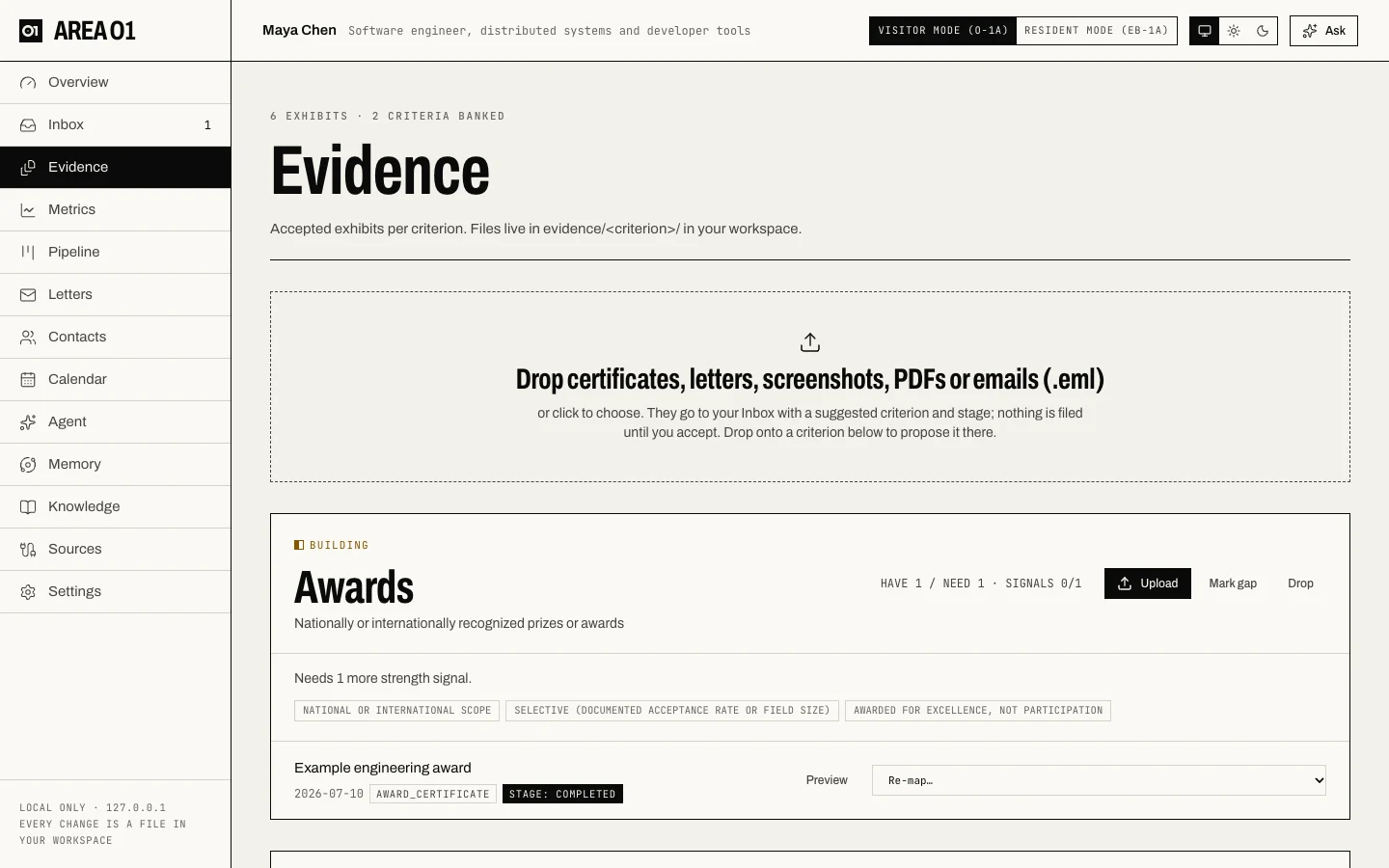
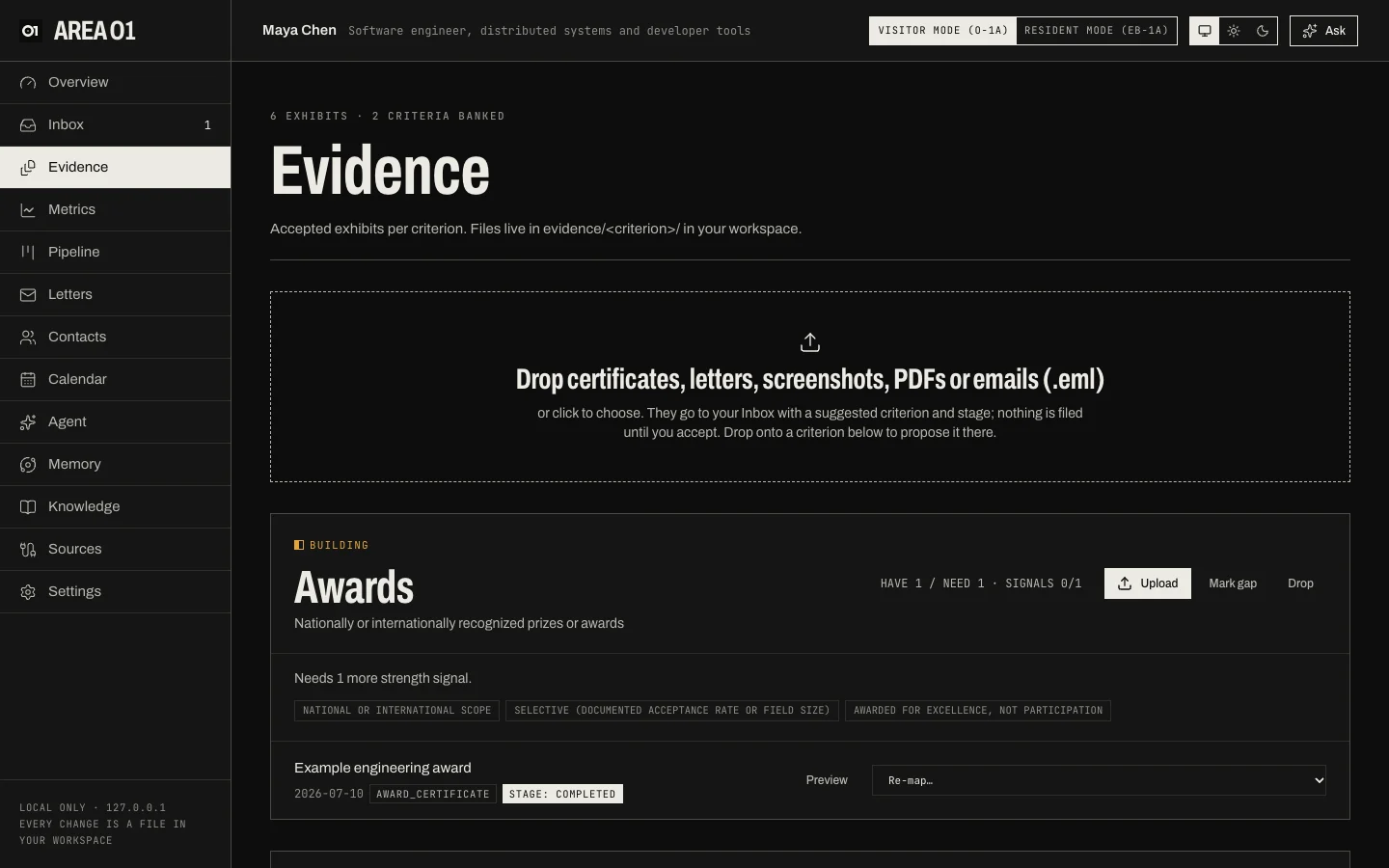
- The drop zone. Drop certificates, letters, screenshots, PDFs or
.emlemails, or click to choose. They go to your Inbox with a suggested criterion and stage; nothing is filed until you accept. Drop onto a criterion to propose it there. - One card per criterion, with its status, have / need counts, and its strength signals (for Awards: national or international scope, selective, awarded for excellence). Signals your exhibits show are marked; the card says what's missing ("Needs 1 more strength signal").
- Exhibits under each criterion, with date, evidence type and stage. Preview opens the file; Re-map moves it to another criterion.
Card actions
| Action | Use it when |
|---|---|
| Upload | You have a document for this criterion. You'll pick its evidence type, date, stage and the strength signals it shows. |
| Mark gap | Treat the criterion as a known gap whatever its evidence. |
| Drop | You've decided not to pursue this criterion; it leaves the count. |
Files live in evidence/<criterion>/ in your workspace, named <criterion>_<yyyy-mm-dd>_<slug>, and are
listed in data/exhibits.json. Switching between O-1A and EB-1A re-scores the same exhibits against the other
profile.
Before you hand it over
- Proof checklists. When an exhibit reaches accepted, completed, granted or published, its criterion's recipe lists what else to save. See Proof recipes.
- Run preflight looks for gaps and inconsistencies across your exhibits, letters and facts. It never blocks anything. See Evidence preflight.
- Build review packet puts it all in order for your attorney: numbered exhibits, every fact matched to its page, an outline and the open issues. See The review packet.
- Final merits shows the evidence as a whole, by year and by theme.
See also: Evidence that holds up.