Pipeline
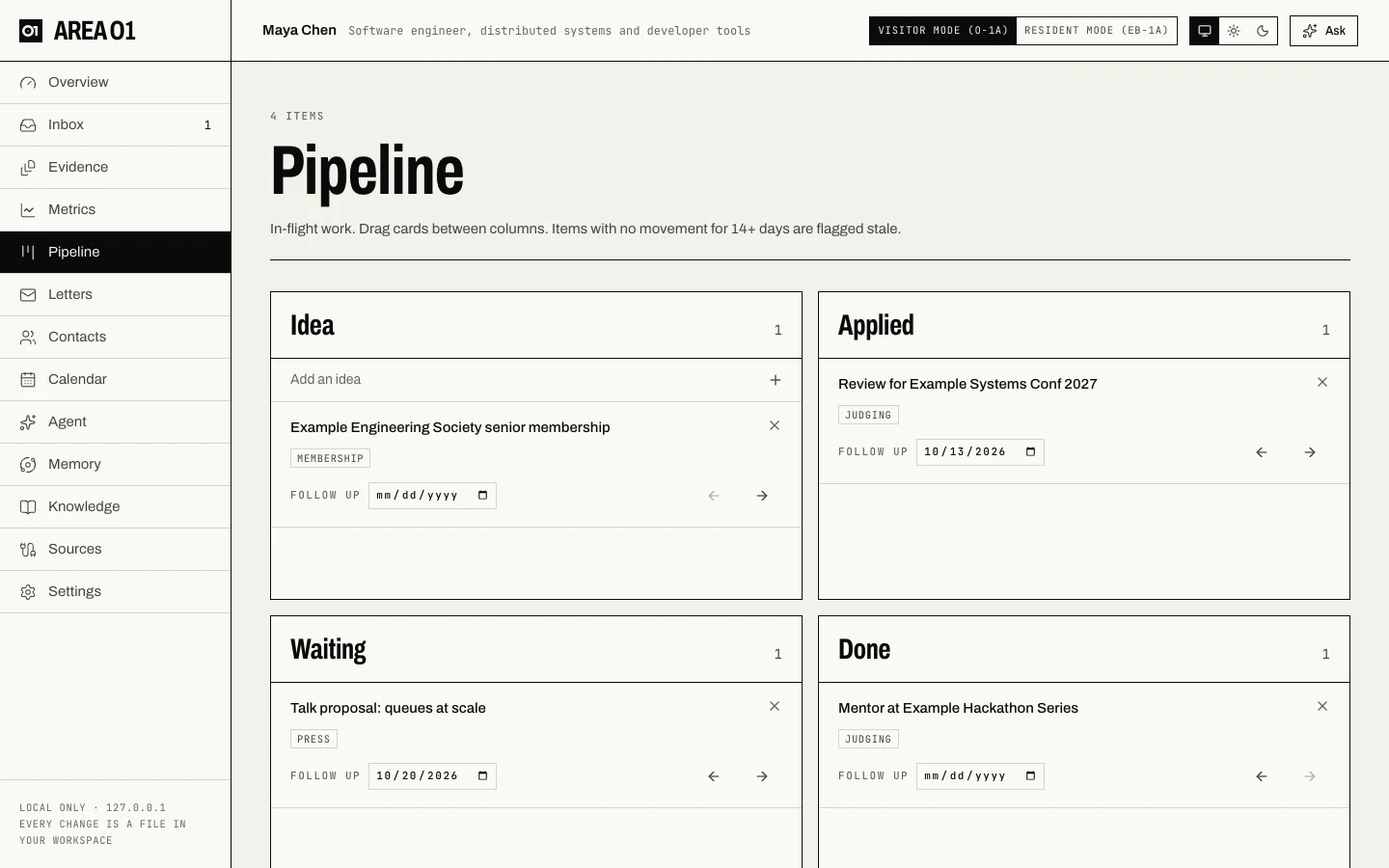
In-flight work that could become evidence: ideas, applications, and things you're waiting to hear back on.
How it works
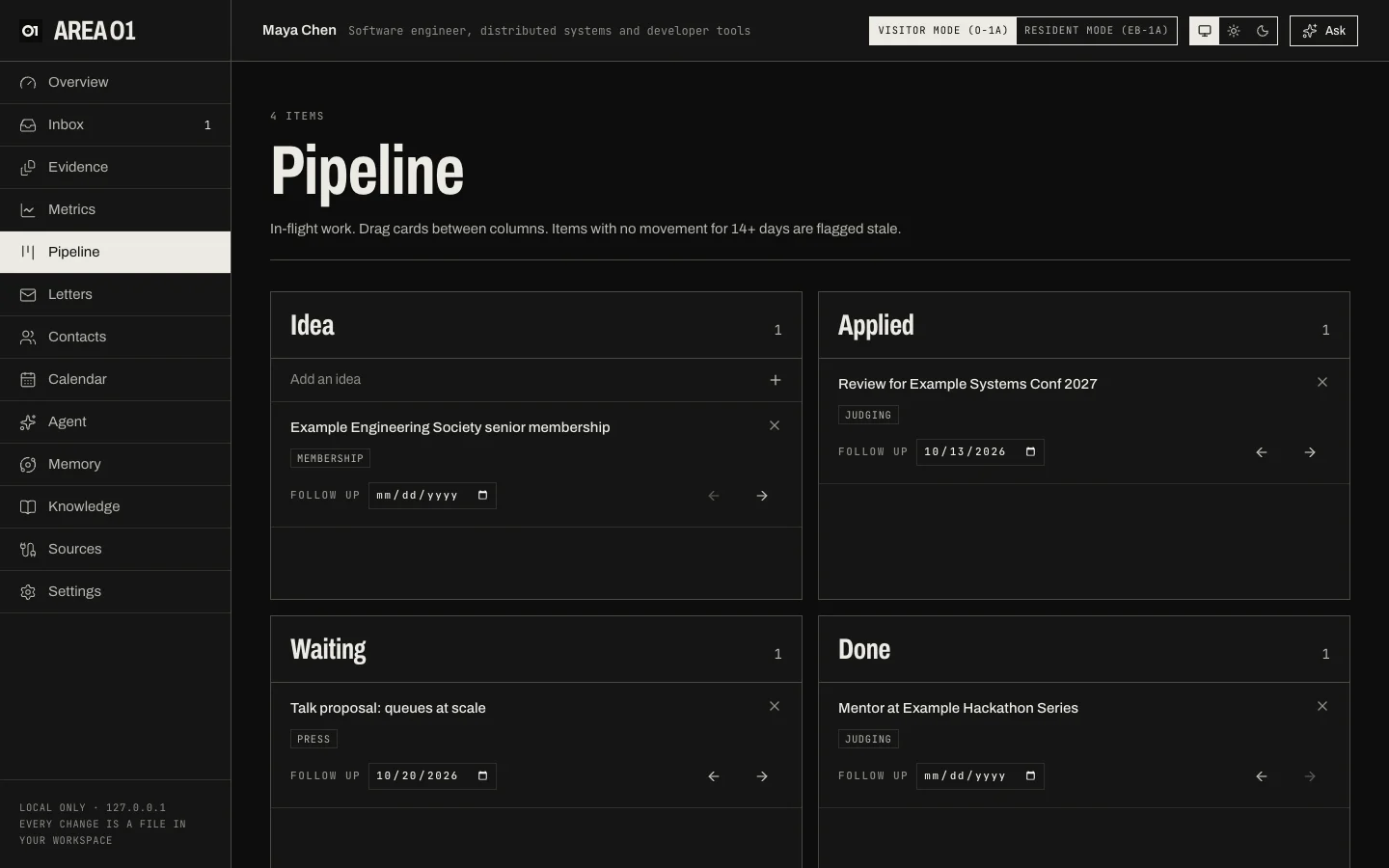
- Four columns: Idea, Applied, Waiting and Done. Add an idea at the top of the first column, then drag cards between columns, or use the arrow buttons on a card.
- From the keyboard: Tab to a card and press the left or right arrow key to move it one column. The focus moves with the card, so you can keep going.
- A card can name the criterion it would help, a link, and a follow-up date. Follow-ups show on the Calendar and in the calendar feed.
- A card with no movement for 14 days or more is flagged stale, and the weekly digest mentions it.
Moving a card to Done doesn't create evidence. When the thing happened, upload the proof on Evidence or accept it from the Inbox. A done card with a criterion gets a proof checklist (see Proof recipes), and the card shows how many items are still to save.
The board is data/pipeline.json in your workspace.