Agent
Every agent run (from chat, by hand, or on a schedule): what it read, what it proposed, and what it cost.
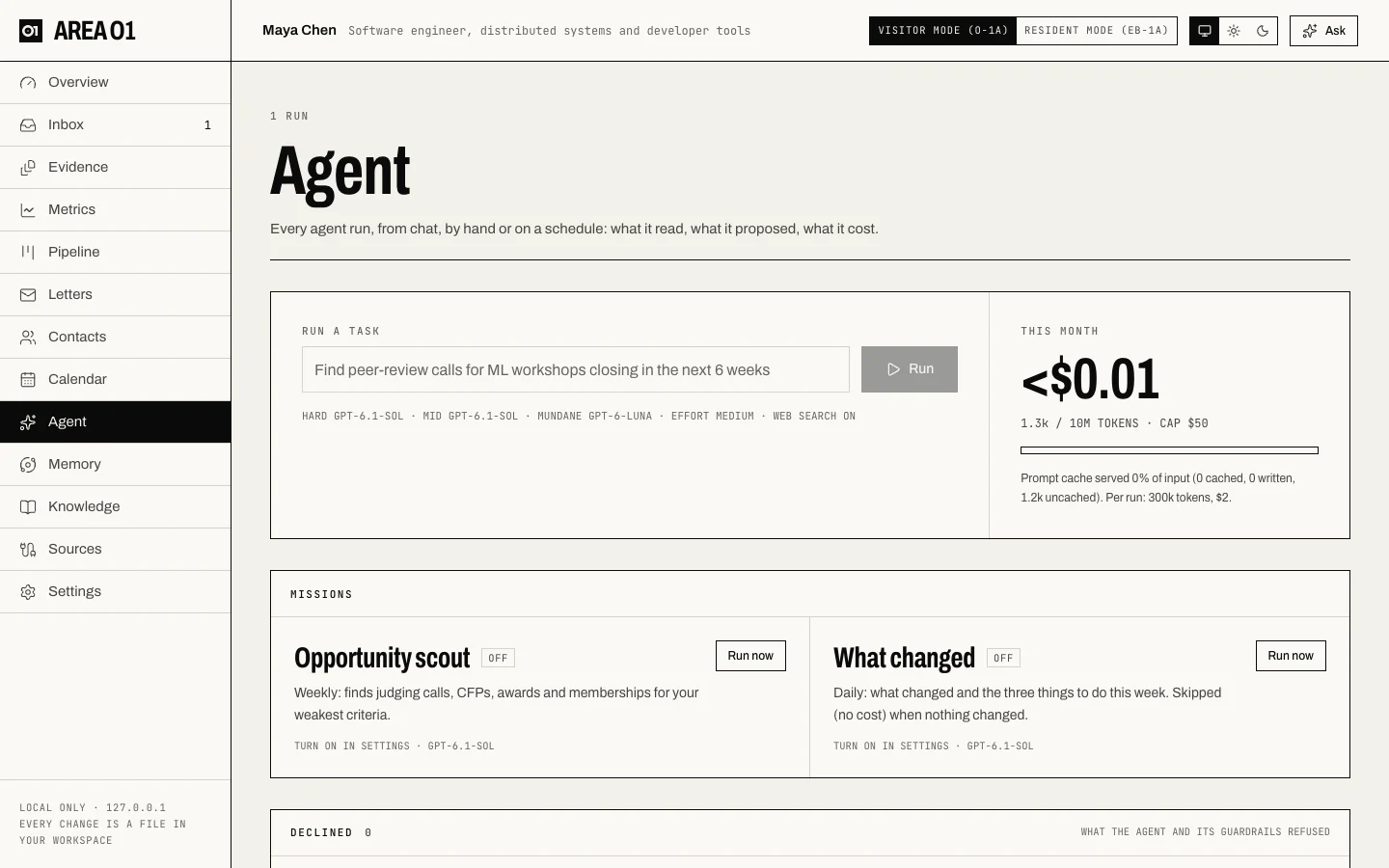
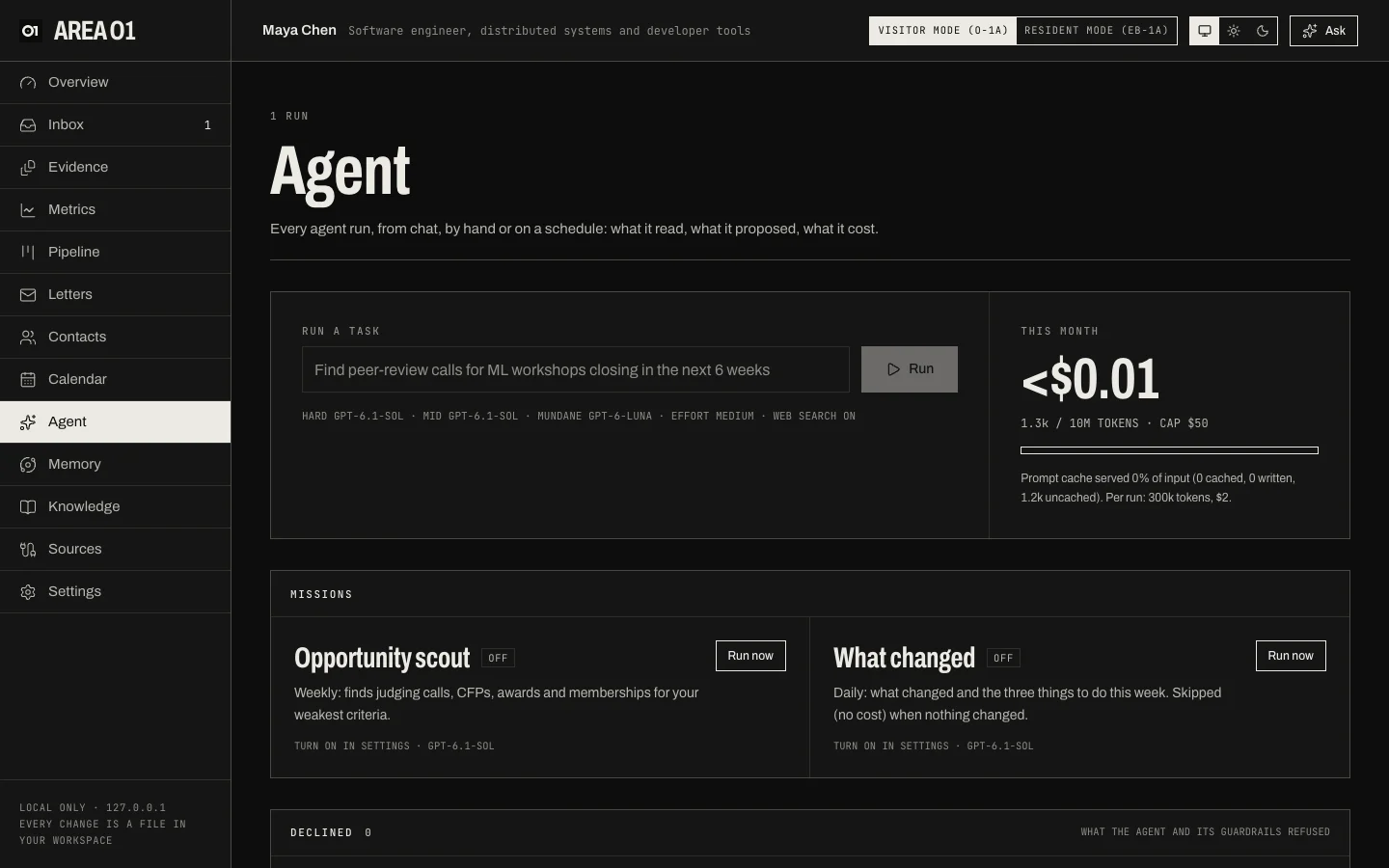
What's on it
- Run a task. Give the agent a job ("Find peer-review calls for ML workshops closing in the next 6 weeks") and press Run. The line underneath shows the model for each tier, the effort and whether web search is on.
- This month. Spend and tokens so far against your monthly cap, how much of your input the prompt cache served, and the per-run limits. See Costs and budget caps.
- Missions. Opportunity scout (weekly: judging calls, CFPs, awards and memberships for your weakest criteria) and What changed (daily: what changed and three things to do this week; skipped at no cost when nothing changed). Turn them on in Settings, or press Run now.
- Declined. What the agent and its guardrails refused, and why.
- Runs. Filter by chat, manual or scheduled. Select a run to see its live stream, the pages it read, the workspace changes and proposals it made, its tokens and its cost (including web searches).
What the agent can do
It reads your workspace and, when web search is on, the web. In runs you start (chat, a task), it can also do what the pages do for your trackers: add or change deadlines, pipeline items, letter writers and contacts, update to-dos and write email drafts. Each change is logged with the run and can be undone. It can't touch your evidence: anything that could affect a criterion goes to your Inbox, and evidence it proposes must quote the page it read. Scheduled missions only propose to the Inbox, plus whatever you allow in Agent autopilot (all off by default). Emails are never sent without your Approve & send, and nothing is stored at OpenAI. See What agents can and can't do.
An OpenAI API key is needed for chat and agent runs: Add an OpenAI API key.