Review in the Inbox
Everything that could become evidence waits in the Inbox until you decide, and nothing counts until you accept it.
Where candidates come from
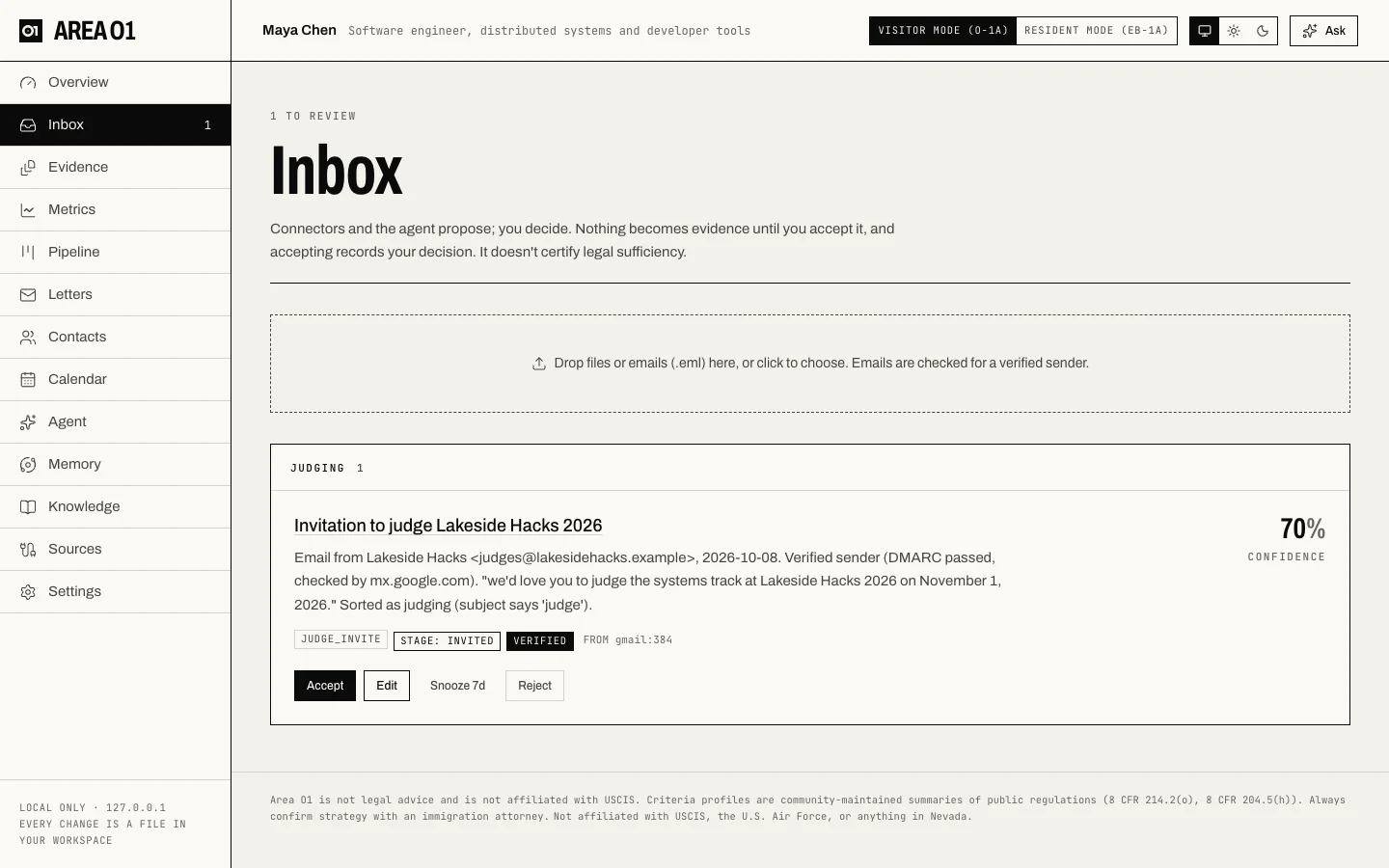
Connectors, file uploads, the in-app agent, the daily opportunity check and MCP tools all add candidates to the Inbox (data/inbox.json). An evidence candidate shows:
- a title and summary,
- its evidence type and suggested criterion,
- its stage (see Invited vs completed) and strength signals,
- where it came from and a confidence,
- the sourced claims behind it (expand "Accepting approves N sourced claims" to see each one with its exact quote),
- for mail finds, a verification chip: verified, confirmed by reply, unconfirmed or suspicious sender,
- the rule check, if it states any rules.
Your four choices
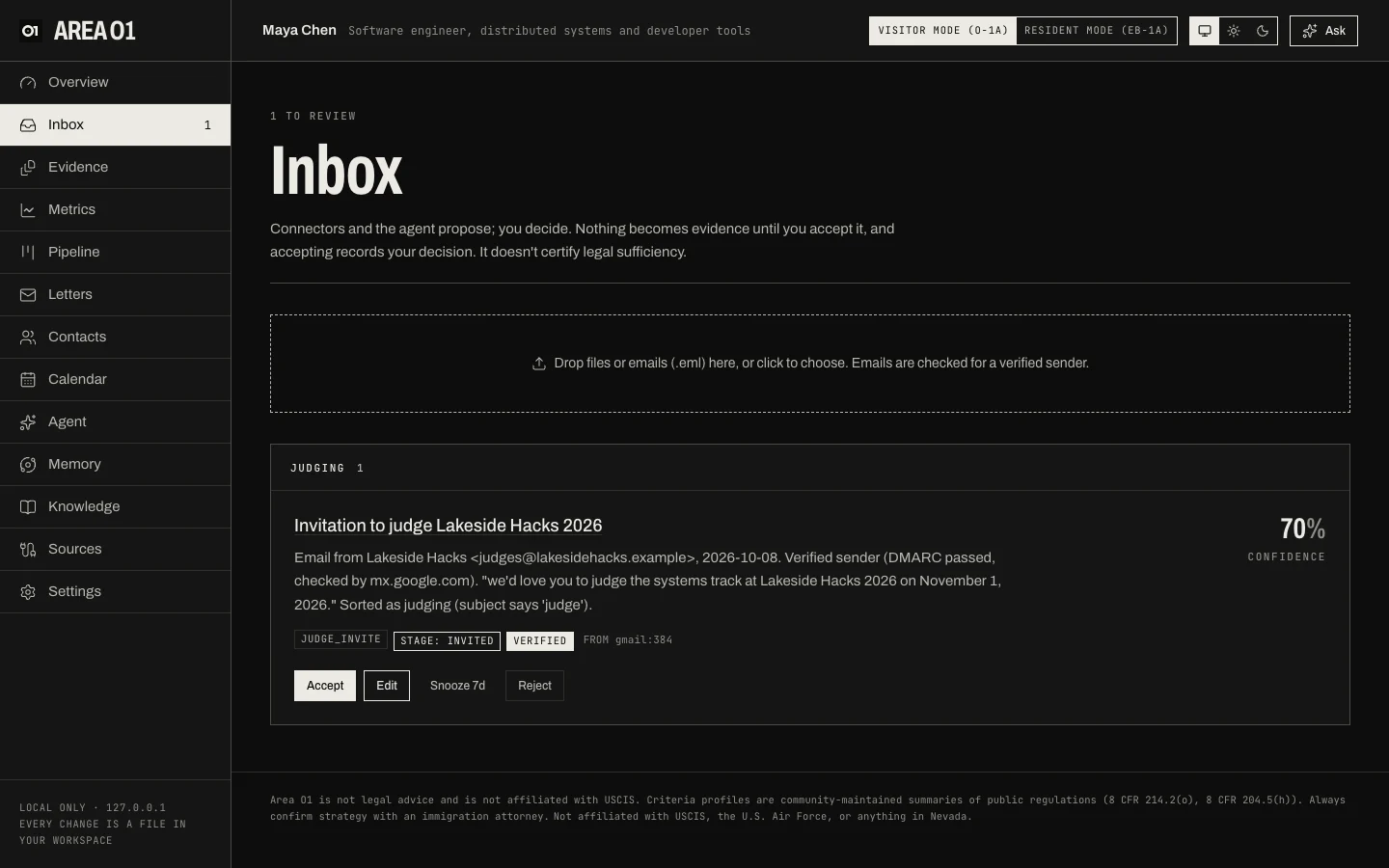
| Action | What it does |
|---|---|
| Accept | Files the exhibit and updates the scoreboard. |
| Edit | Change the criterion, evidence type, title, summary or exhibit date. Then Save & accept, or Save without accepting. |
| Snooze 7d | Hides it for 7 days. It comes back after that. |
| Reject | Removes it for good. It stays in data/inbox.json as rejected, so a later re-import never brings it back. Its claims are marked rejected. |
You need a criterion before you can accept. Tracker candidates (deadlines, pipeline items, letter writers, updates, metrics, notes from AI tools) have their own buttons, such as Add to deadlines or Keep as a note, and Dismiss instead of Reject. Accepting one adds a tracker entry, never an exhibit.
What accepting writes
When you accept an evidence candidate:
- The exhibit file. An uploaded document is copied byte for byte to
evidence/<criterion>/<criterion>_<yyyy-mm-dd>_<slug>.<ext>. Anything else gets a capture file in Markdown at the same kind of path, listing the criterion, evidence type, capture date, source, link, signals, summary and the facts at capture time. - The exhibit entry. A line in
data/exhibits.jsonwith the criterion, type, title, date, file, source link, signals, stage, tier and the claim ids. - Your decision. Each claim behind it is marked approved in
memory/decisions.jsonl, and the exhibit is linked to those claims (CITES). - The scoreboard is recomputed.
- A change record goes into
data/changes.jsonl, as for every accept, edit, snooze and reject.
A capture file records what a page or API said. Before filing, upload the primary document (the PDF, letter or certificate) as its own exhibit from the Evidence page. The capture file says so at the bottom.
Approval is your decision, not a certificate
Accepting records that you decided to keep this item. It doesn't certify that it's true, that it's the right criterion, or that it's legally sufficient. That judgment belongs to you and your attorney.
Self-reported material never counts
Imported chat history and notes from AI tools are self-reported: your own words, not proof. They can fill your trackers (a deadline you mentioned, a letter writer to ask), but:
- a self-reported evidence candidate can't be accepted as an exhibit (the Inbox asks you to upload the underlying document instead),
- a self-reported exhibit, however it got into
data/exhibits.json, is ignored by the scoreboard, and the criterion's reason says so.
When the rule check blocks
If a candidate states rules the knowledge vault doesn't confirm, it can't become an exhibit as written, and Accept is disabled. You can:
- re-check it after the vault refreshes, or
- choose Edit and rewrite the title and summary in your own words. Your words clear the check.
Area O1 re-checks freshness at the moment you accept, so a rule whose source changed since the candidate was made blocks too. See Rule check and the knowledge vault.
For habits that make review easier, see Evidence that holds up.