Contacts and Mail
The people your case depends on (letter writers, organizers, editors, collaborators) and the mail that matters to it.
People
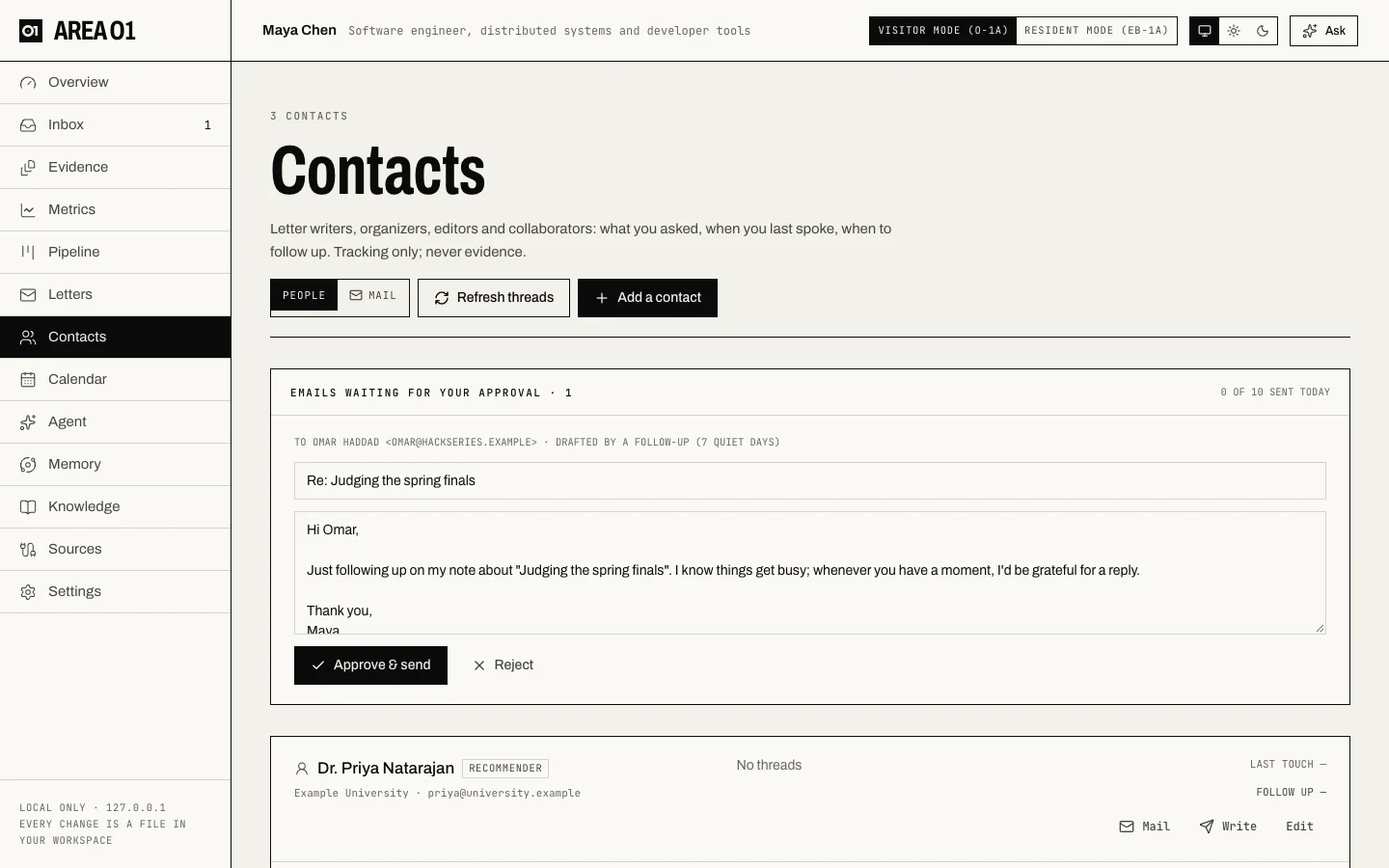
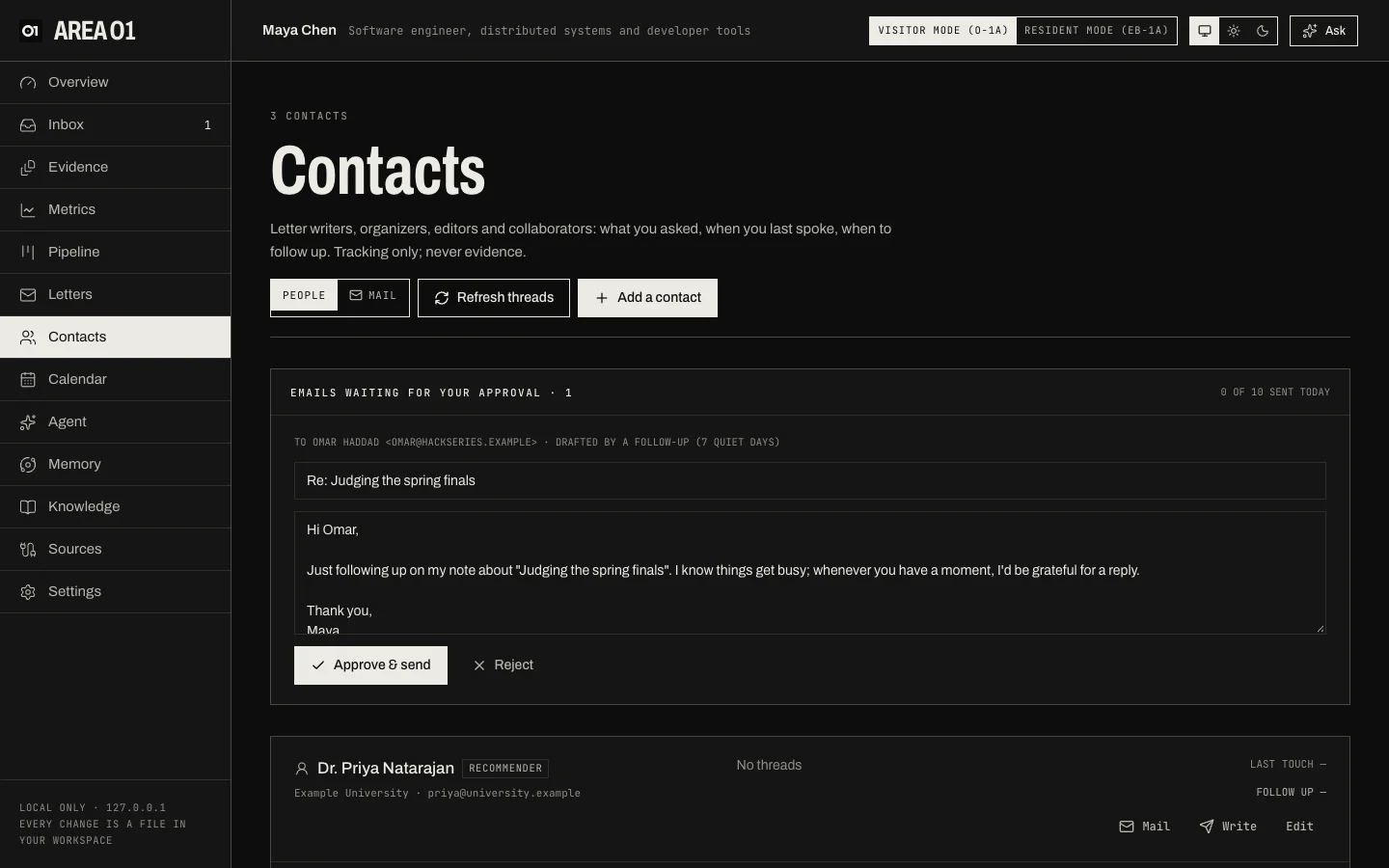
- Contacts have a name, emails, a relationship and an organization. They're for tracking only and never count as evidence.
- With Gmail connected, Refresh threads finds your threads with each contact and shows the last touch and when to follow up.
- Emails waiting for your approval holds every draft Area O1 wrote: follow-ups after quiet days, check-ins to organizers, letter drafts for writers. Edit the subject and text, then Approve & send, or Reject. After you approve there are 10 seconds to Undo send.
- The header shows how many emails went out today against your daily limit, and failed sends are listed so you can retry.
Mail
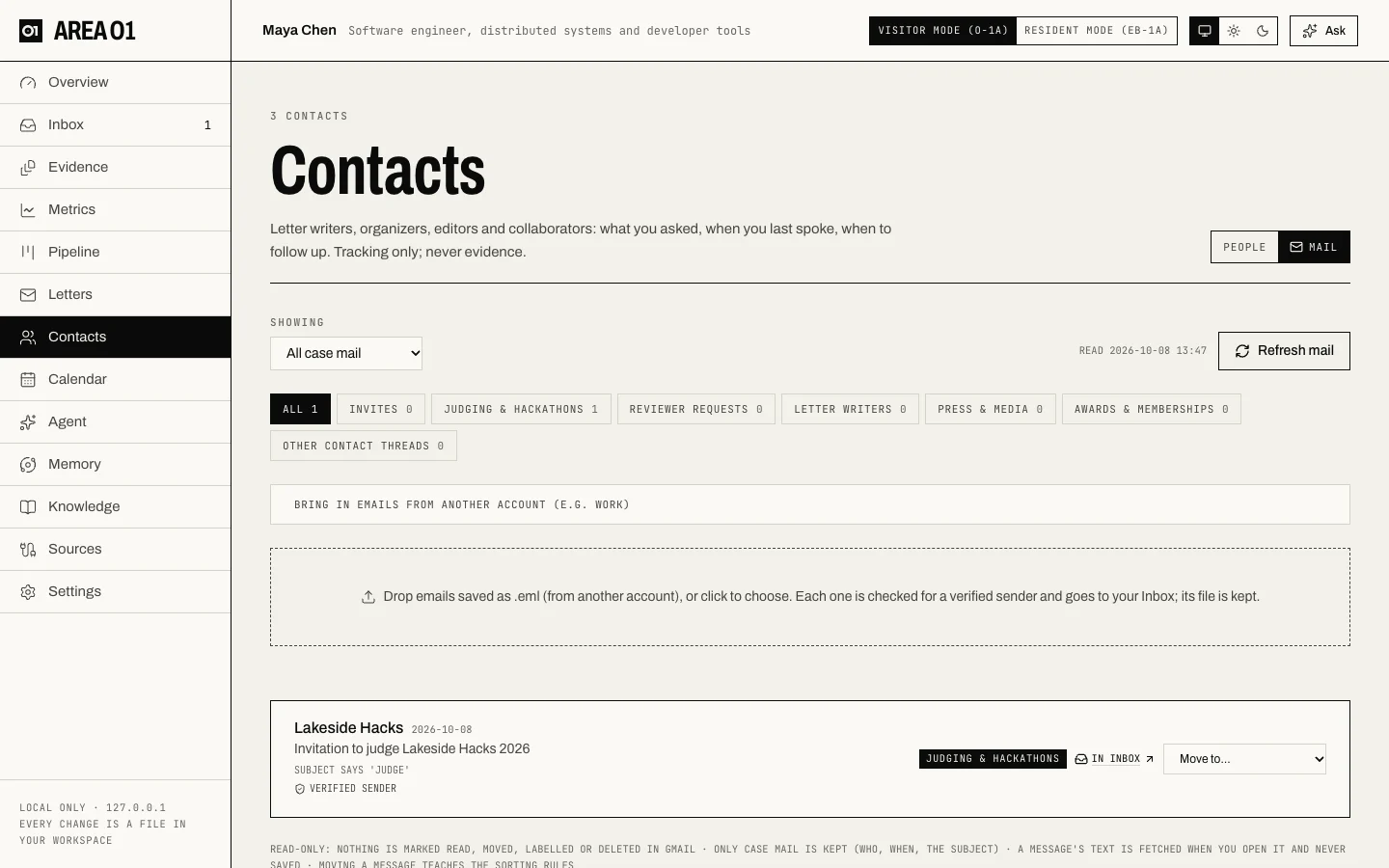
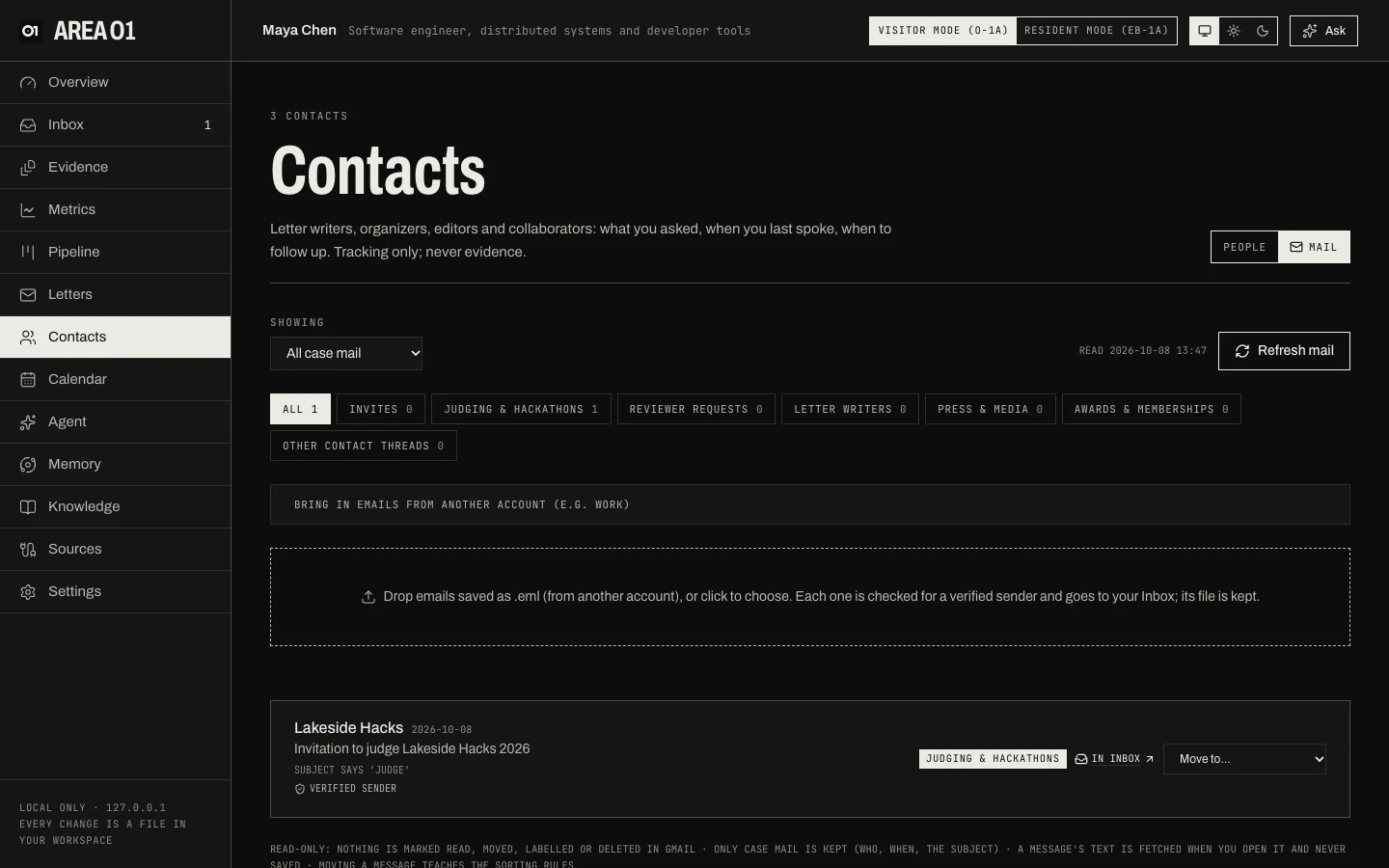
Mail shows case-relevant mail only, read-only:
- Categories: Invites, Judging & hackathons, Reviewer requests, Letter writers, Press & media, Awards & memberships and Other contact threads. Filter by contact with Showing.
- Mail is sorted by rules first. Sorting with the model is an opt-in setting (Settings > Gmail).
- Move to… files a message under another category, and the rules learn from it.
- Each message shows its sender check (verified sender, failed or unverified) and, when it became an Inbox candidate, a link to it.
- Bring in emails from another account (e.g. work) explains how to bring mail in without connecting that
account: save it as
.emland drop it here, or forward it as an attachment.
Nothing is marked read, moved, labelled or deleted in Gmail. Only who, when and the subject are kept; a message's text is fetched when you open it and never saved.