O-1A · EB-1A · Local-first · Open source
Area O1 docs
Area O1 turns your work (papers, code, talks, press, judging) into a living evidence file for an O-1A or EB-1A extraordinary-ability case: a criteria scoreboard, an evidence inbox, metrics, deadlines, letters and a dashboard. It runs on your computer, and your case is a folder of plain files that stays yours.
Install Take the tour Connect Claude Code or Codex
Find your way
-
Getting started
Install on macOS, Linux or Windows, start from your LinkedIn PDF, add an OpenAI key if you want chat, and set budget caps.
-
Guided tour
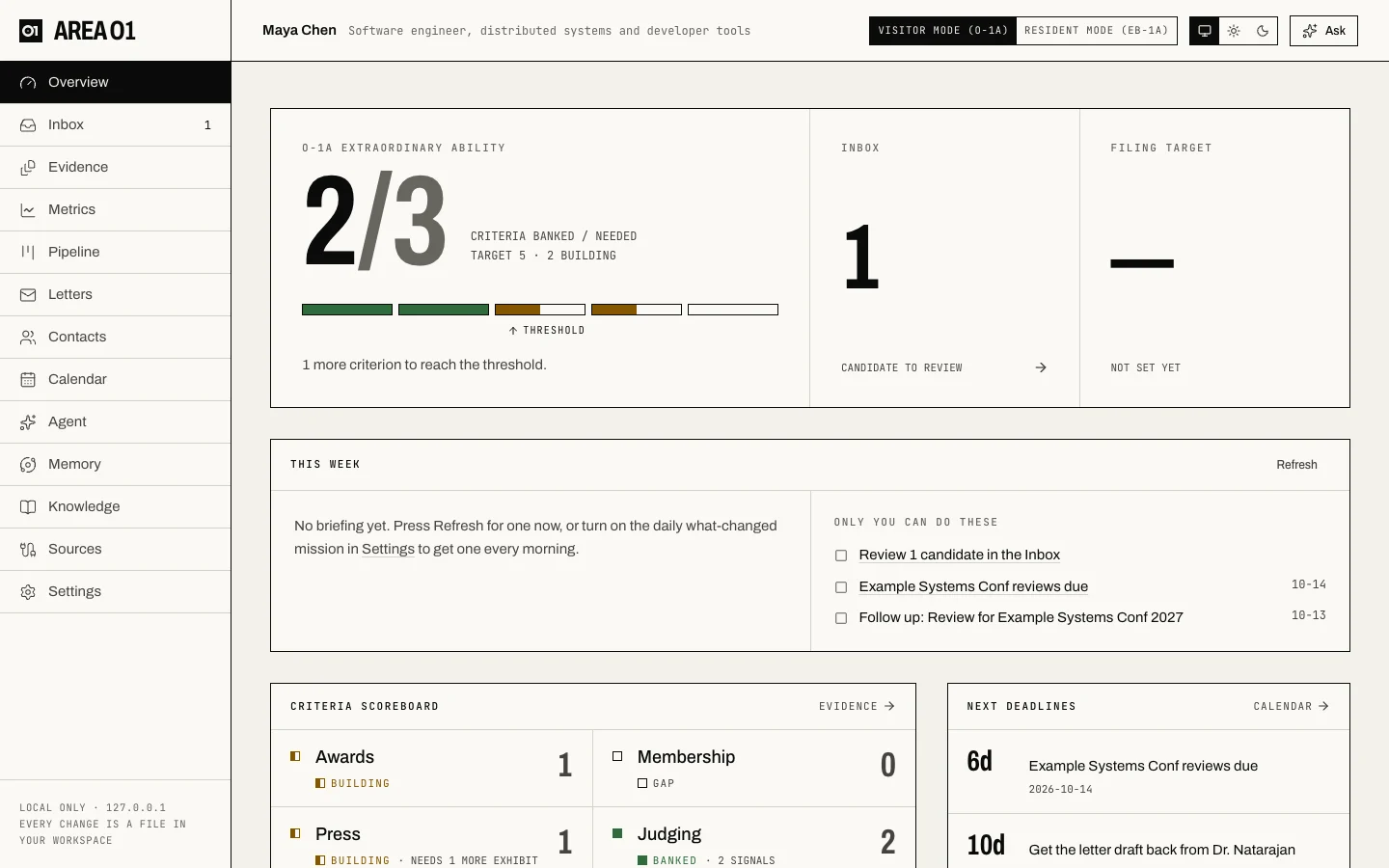
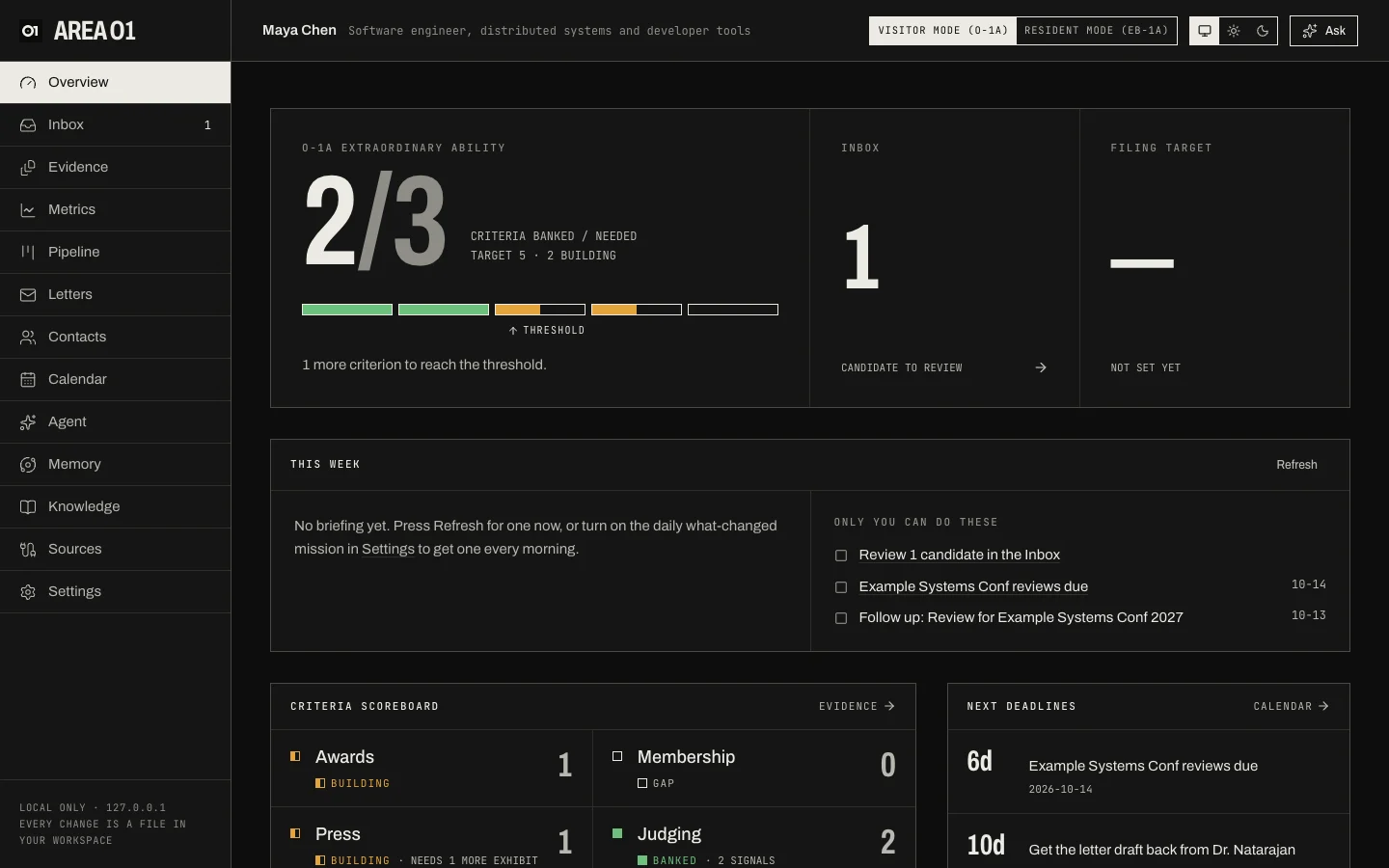
Every page of the dashboard, with screenshots: Overview, Inbox, Evidence, Memory and the rest.
-
Connectors
GitHub, Hugging Face, Semantic Scholar, OpenAlex, arXiv, ORCID, any website, Gmail,
.emlfiles and chat-history exports. -
MCP and agents
Let Claude Code, Claude Desktop or Codex read your case over MCP. No API key needed.
-
How it works
Claims that quote their source, invited vs completed, your review, the rule check and the knowledge vault.
-
Best practices
Evidence that holds up, letters, outreach etiquette, and keeping your case private.
In one minute
- Install with one line, and Area O1 opens in your browser at
127.0.0.1:7777. - Start from your LinkedIn PDF. It's read on your computer, with emails and phone numbers removed first.
- Add sources: your GitHub, Hugging Face, scholarly profiles, press pages. Findings land in the Inbox, each quoting its source word for word.
- Review. Nothing becomes evidence until you accept it, and an invitation never counts as a completion.
- Watch the scoreboard: each criterion is banked, building or a gap, against the profile's rules.
Not legal advice
Area O1 is not legal advice and is not affiliated with USCIS. Criteria profiles are community-maintained summaries of public regulations (8 CFR 214.2(o), 8 CFR 204.5(h)). Always confirm strategy with an immigration attorney. Read the disclaimer.