Settings
Your AI, Gmail, missions, notifications and the workspace itself. Everything here is also in areao1.yaml;
secrets go in your computer's keychain.
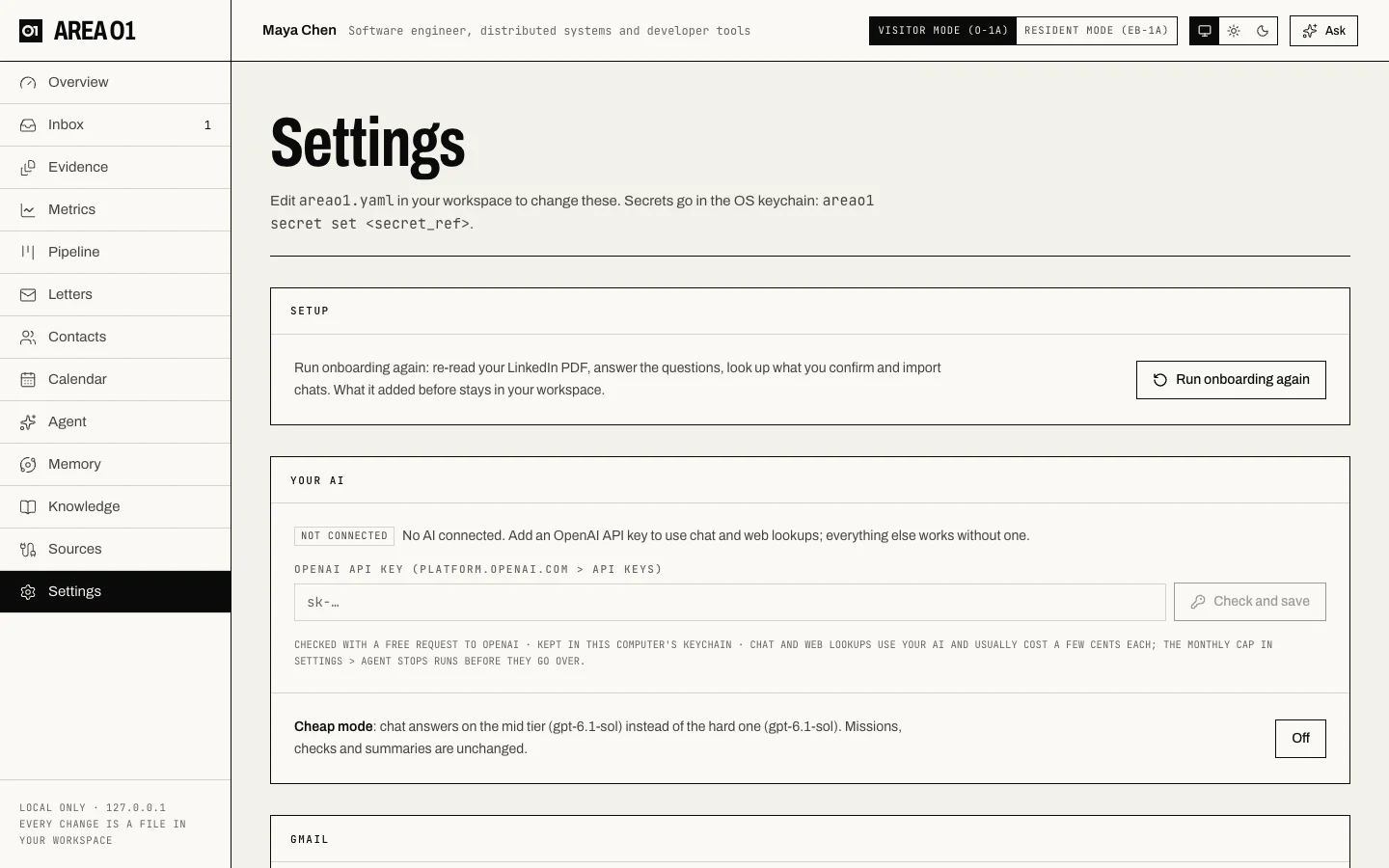
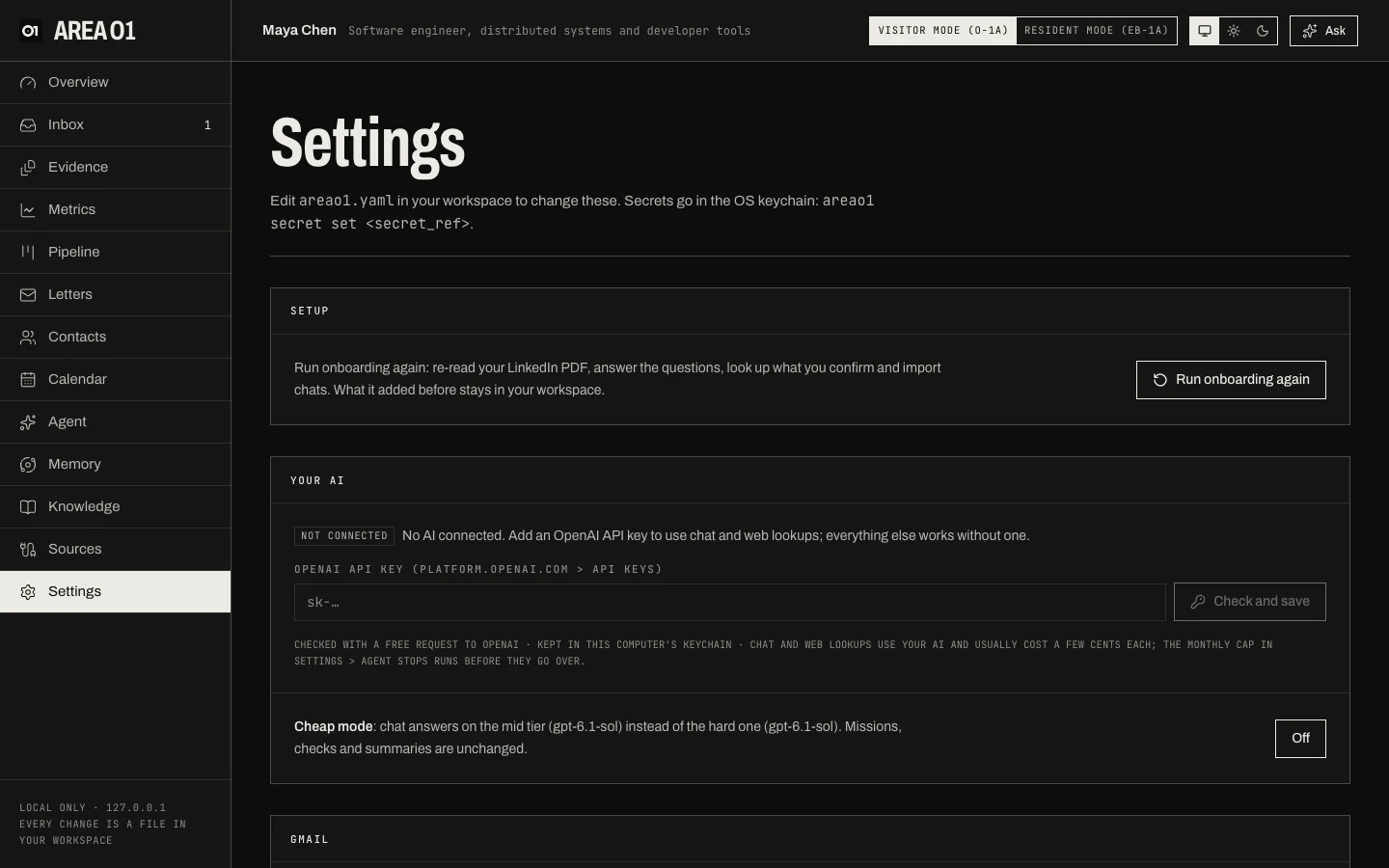
Sections
| Section | What you set there |
|---|---|
| Setup | Run onboarding again: re-read your LinkedIn PDF, answer the questions, import chats. What it added before stays. |
| Your AI | Your OpenAI API key (checked with a free request, kept in the keychain), and Cheap mode: chat answers on the mid tier instead of the hard one. See Add an OpenAI API key. |
| Gmail | Connect with an app password; Model sorting for the Mail view (off by default); the Daily opportunity check (off by default) with Check now. See Gmail. |
| Missions | Turn the Opportunity scout and What changed missions on or off. |
| Agent autopilot | Which low-risk changes the agent may apply on its own, with undo: tracker updates, metric values it quoted, new deadlines quoted from a Tier 1 source. All off by default; anything that could affect a criterion always needs your approval. |
| Notification channels | Desktop works out of the box; add email, Slack, Discord or ntfy in areao1.yaml. |
| Routes | Which event goes to which channel. |
| Recent notifications | What was sent, and where. |
| Workspace | The active profile (O-1A or EB-1A), the agent engine, and whether text is redacted before it goes to a model. |
Edit areao1.yaml in your workspace for anything not shown here: see
Configuration. Store a secret with areao1 secret set <secret_ref>.