Connectors
Connectors read your work from the places it already lives and turn it into suggestions you can review.
What a connector does
Every connector only reads. When you add a source, it:
- Discovers items: your repositories, models, datasets, papers or pages.
- Saves what it read as an observation in
memory/: the raw response, with where and when it came from. - Draws claims from it. Each fact (a star count, a paper's venue, a sentence that names you) becomes a claim that quotes its source word for word. Claims are never overwritten: a new value supersedes the old one, so you can see what was known on any date. See Claims and provenance.
- Records metrics (stars, downloads, citations) as dated rows in
data/metrics.csv, for the Metrics page. - Proposes candidates for your Inbox, each with a suggested criterion and the claims behind it.
Nothing becomes evidence until you accept it in the Inbox. Accepting records your decision; it doesn't certify that anything meets a legal standard.
The connectors
| Connector | Reads | Key or token |
|---|---|---|
| GitHub | Repositories: stars, forks, watchers, issues, contributors, releases, traffic | None for public repos; a read-only token for private repos and traffic |
| Hugging Face | Models, datasets and Spaces: downloads, likes, linked papers | None for public repos; a read token for private or gated ones |
| Semantic Scholar | An author's papers, citations, h-index | None |
| OpenAlex | An author's works, citations, h-index | None |
| arXiv | The papers on an arXiv author page | None |
| ORCID | The works on a public ORCID record | None |
| Websites | Any public page or sitemap that mentions you | None |
| Gmail | Case mail, through an app password | A Gmail app password |
| .eml and forwarded mail | Emails from other accounts, with sender checks | None |
| Chat-history imports | Your own messages in a Claude or ChatGPT export | None (an AI key adds more) |
None of the connectors needs an OpenAI key.
Add a source
On the Sources page
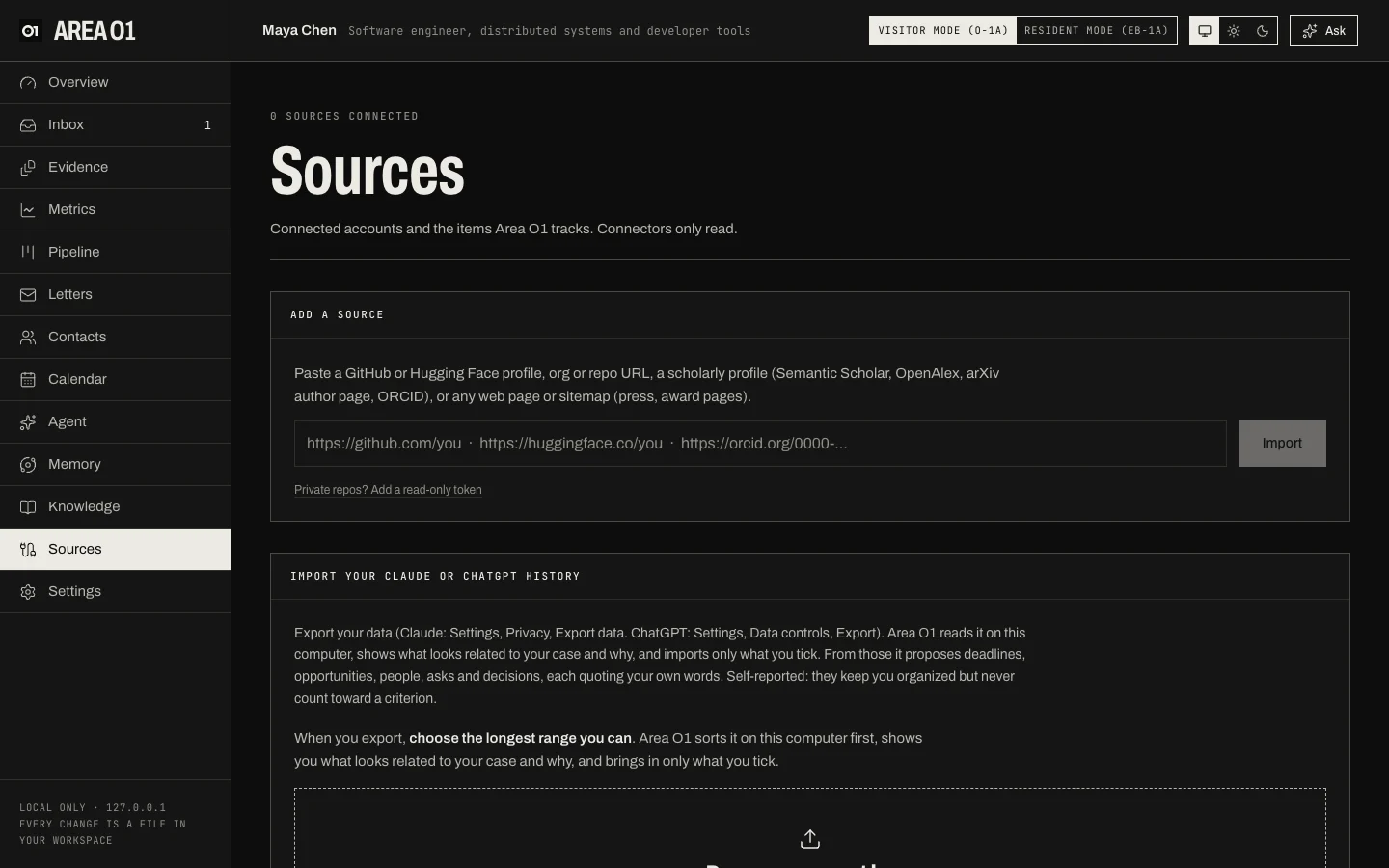
Open Sources, paste a URL into Add a source, and press Import. As you type, a chip shows which connector was detected. For private GitHub repos or gated Hugging Face repos, press Private repos? Add a read-only token first.
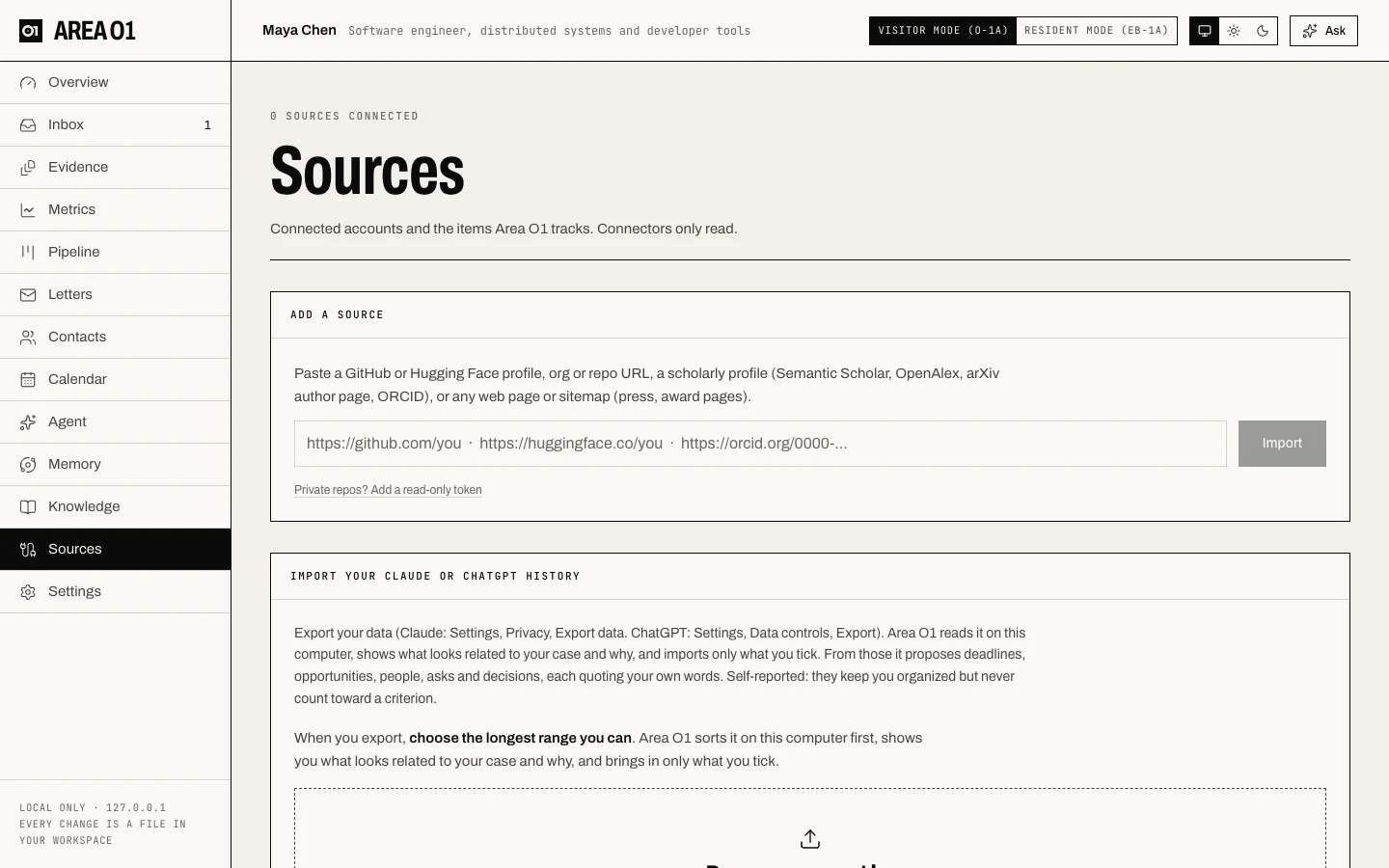
Each source then shows its items, when it last synced, and these buttons:
- Sync now: read it again.
- Re-auth: paste a new read-only token.
- Remove: stop tracking it. Metrics and exhibits already collected stay in your workspace.
An item marked unreadable is a page Area O1 couldn't read automatically. Save it from your browser and drop it on the Evidence page.
From the command line
areao1 import detects the connector from what you give it:
areao1 import https://github.com/mayachen                   # GitHub account or org
areao1 import https://github.com/mayachen/tidy-ml           # one repo
areao1 import https://huggingface.co/mayachen               # Hugging Face account
areao1 import https://www.semanticscholar.org/author/Maya-Chen/12345678
areao1 import https://openalex.org/A5000000001
areao1 import https://arxiv.org/a/chen_m_1
areao1 import https://orcid.org/0000-0002-1825-0097
areao1 import https://example.com/news/award-winners        # any web page
areao1 import https://example.com/sitemap.xml               # up to 25 pages from a sitemap
areao1 import ~/Downloads/chatgpt-export.zip                # a Claude or ChatGPT export
Short handles work too: github:mayachen, hf:mayachen, s2:12345678, openalex:A5000000001,
arxiv:chen_m_1, and a bare ORCID iD. Anything that's an http(s) URL and matches no other connector goes to
the website connector.
| Option | What it does |
|---|---|
--private |
Prompt for a read-only token (with a link to create one) and store it in your keychain |
--token-env NAME |
Read the token from the environment variable NAME instead |
--no-snapshot |
Don't take a metrics snapshot right away |
--keep-all |
Chat exports only: also save conversations that produced no suggestions |
-w, --workspace |
Which workspace to use |
Tokens go to your OS keychain. Your workspace's sources.json stores only the name of the keychain entry.
Keeping sources fresh
While areao1 up is running, these jobs run in the background:
| Job | Default | What it does |
|---|---|---|
sync |
Daily at 08:00 | Refresh every source and send new candidates to the Inbox |
metrics-snapshot |
Mondays, every other week | Append today's metrics (and GitHub's 14-day traffic) to metrics.csv |
Run either one by hand with areao1 run sync or areao1 run metrics-snapshot. Change the schedules under
schedules in areao1.yaml. Runs missed while your computer was asleep catch up when Area O1 starts again.
Tuning what gets proposed
Under connectors in areao1.yaml:
| Setting | Default | What it does |
|---|---|---|
include_forks |
false |
Also track GitHub repos that are forks |
min_stars_for_candidate |
5 |
A GitHub repo needs this many stars to be proposed |
min_downloads_for_candidate |
100 |
A Hugging Face model or dataset needs this many all-time downloads (or 10 likes) to be proposed |