Inbox
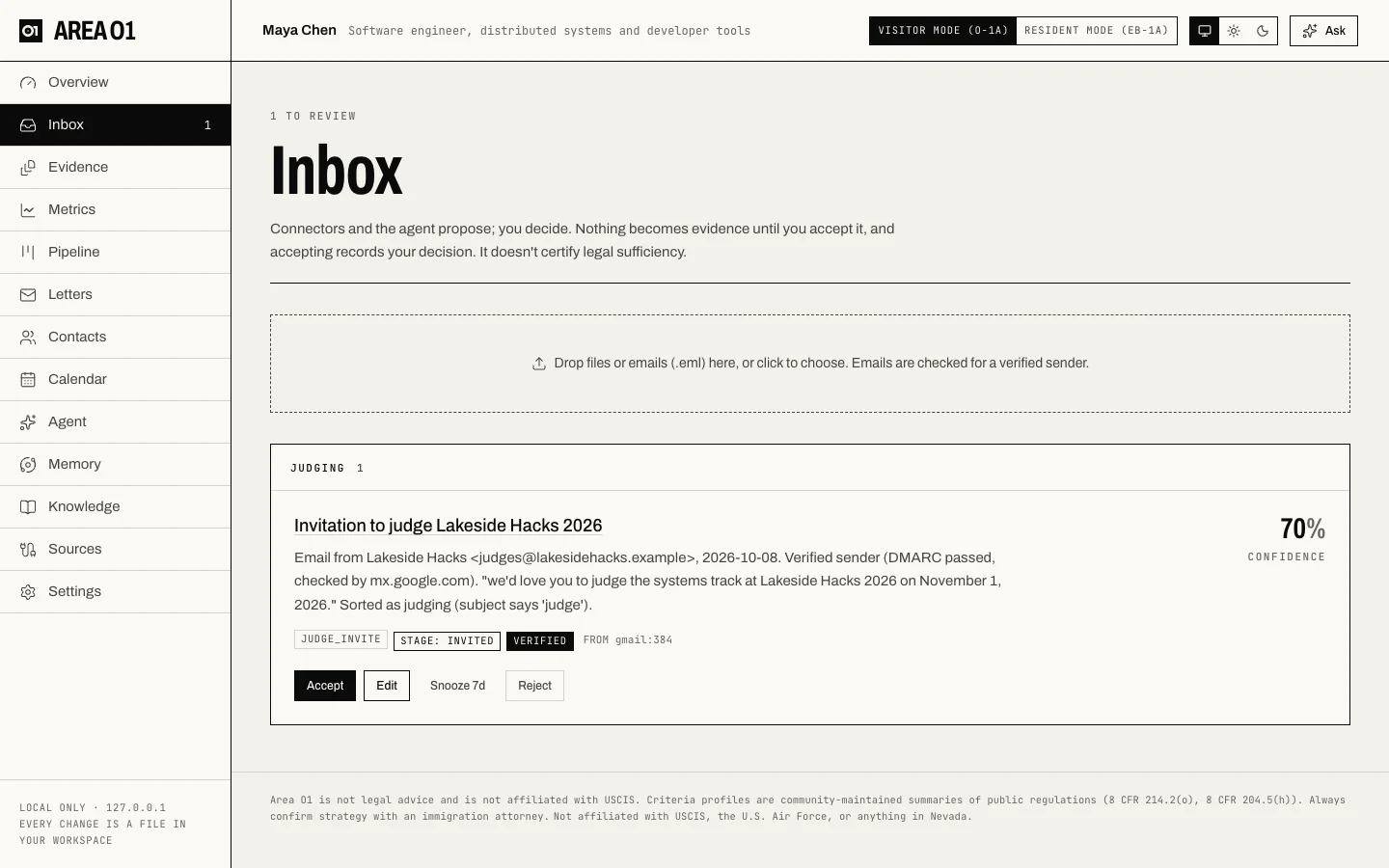
Everything proposed for your case waits here until you decide. Nothing becomes evidence until you accept it.
Where candidates come from
- Connectors you added on Sources (a repo's stars, a paper's citations, a press page).
- Files and emails you drop on the page: certificates, letters, screenshots, PDFs or
.emlfiles. Each gets a suggested criterion and stage; emails are checked for a verified sender. - Your mail, when Gmail is connected and the daily opportunity check is on: invitations to judge, review or speak, each marked verified, unconfirmed or suspicious.
- The agent (chat, missions) and MCP clients like Claude Code, through
propose_context.
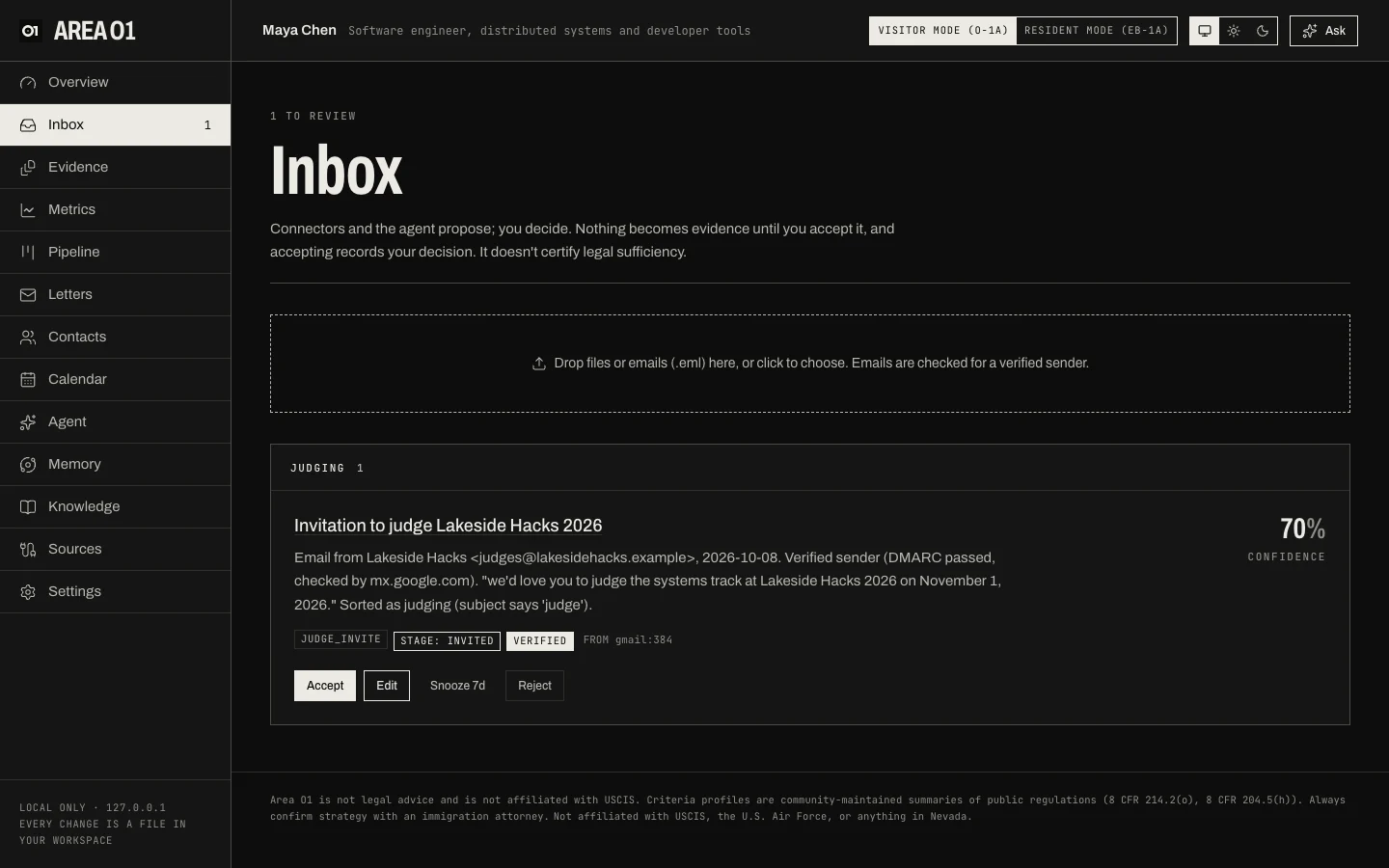
Candidates are grouped by criterion. Each shows where it came from, a confidence, its evidence type and stage
(for example STAGE: INVITED), and, for mail, the sender check.
Deciding
| Button | What happens |
|---|---|
| Accept | The claims behind it are approved, a capture file is written to evidence/<criterion>/, and it's logged as an exhibit. The scoreboard updates. |
| Edit | Change the criterion, evidence type, date, title or summary before accepting. |
| Snooze 7d | Hide it for a week. |
| Reject | It leaves the Inbox and its claims are marked rejected; the same item isn't proposed again. |
Expand a candidate to see the exact claims behind it, each quoting its source word for word.
An invitation is not a completion
An accepted invitation stays at the invited stage and doesn't count toward a criterion until you upload
the proof that it happened (a thank-you note, a certificate, the program). Accepting records your decision;
it doesn't certify legal sufficiency.
With a long Inbox, review in bulk: group candidates, filter them, select many and accept or reject them as one batch, with one Undo for the batch. See Bulk review.
More: Review.